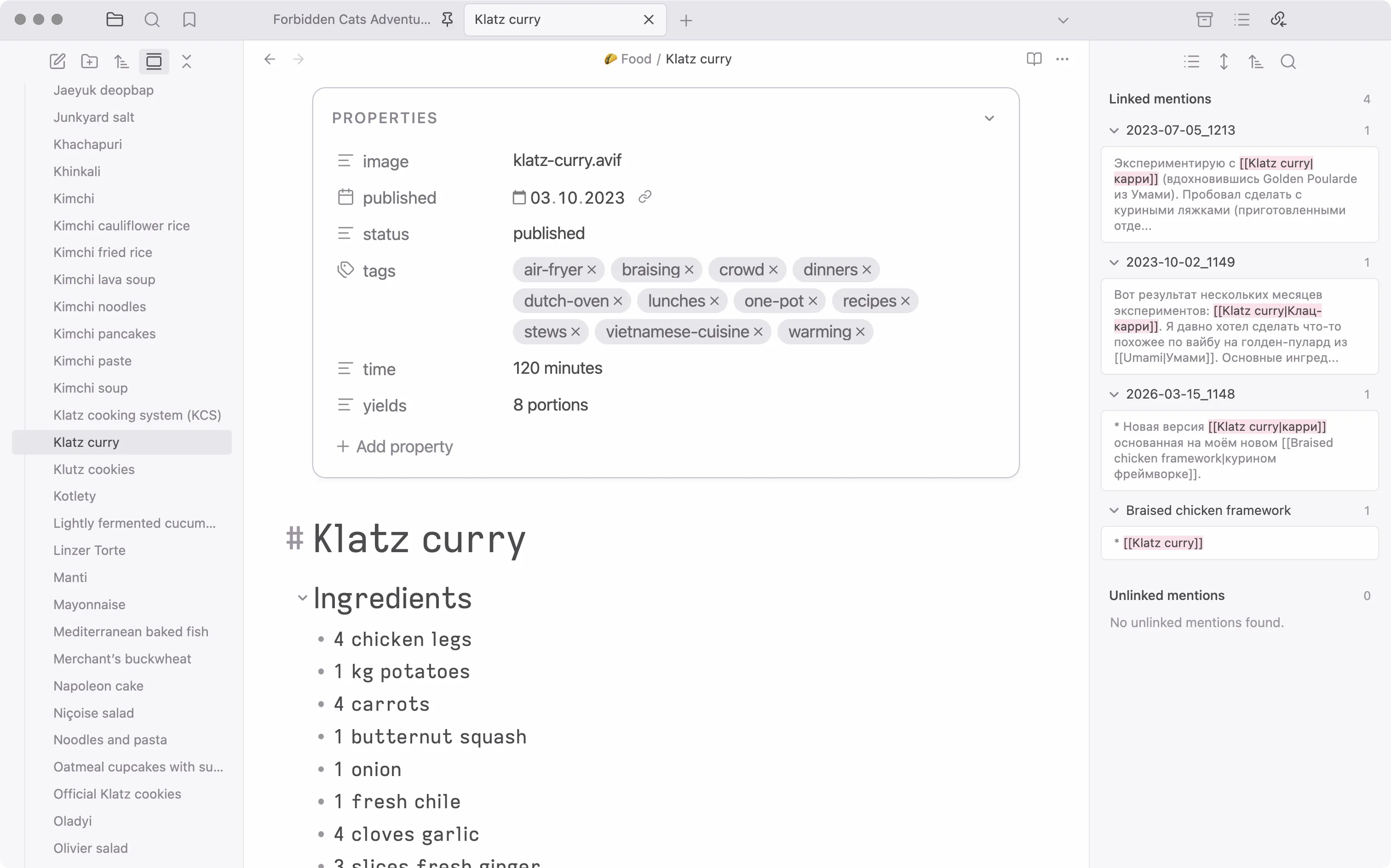
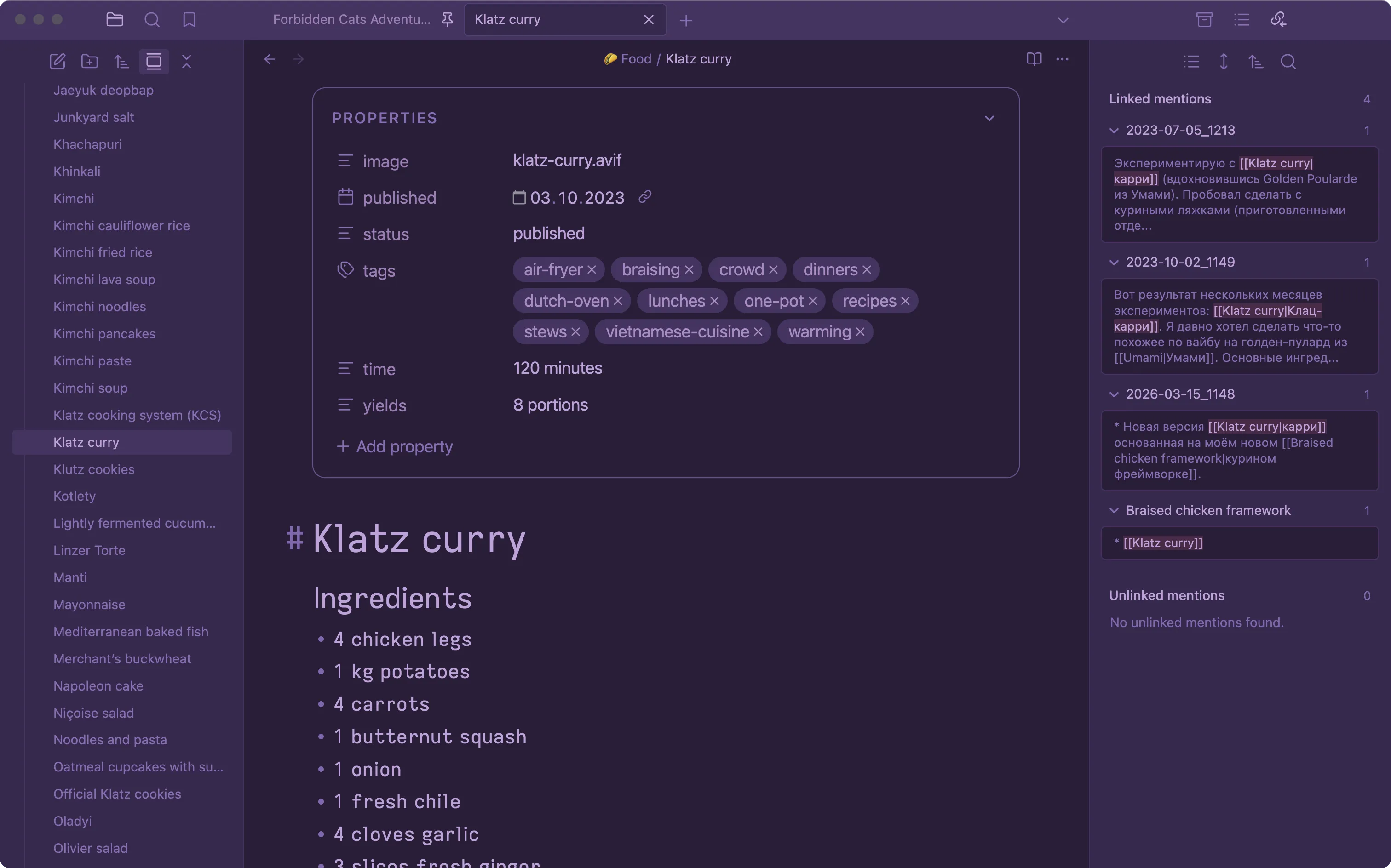
Squirrelsong themes are low-contrast color schemes with great readability for web developers and non-distracting UI themes for many apps. It’s also available for:
Alfred, Bear, Brave, btop, CotEditor, Cursor, Fastmail, Firefox, Ghostty, Google Chrome, IntelliJ IDEA, iTerm2, JetBrains, Marta File Manager, Microsoft Edge, Midnight Commander, Neovim, Nimble Commander, Obsidian, Pearcleaner, PhpStorm, PyCharm, RubyMine, Slack, Sublime Text, Telegram, Terminal.app, Vim, Visual Studio Code, Vivaldi, Warp, WebStorm, WezTerm, Zsh