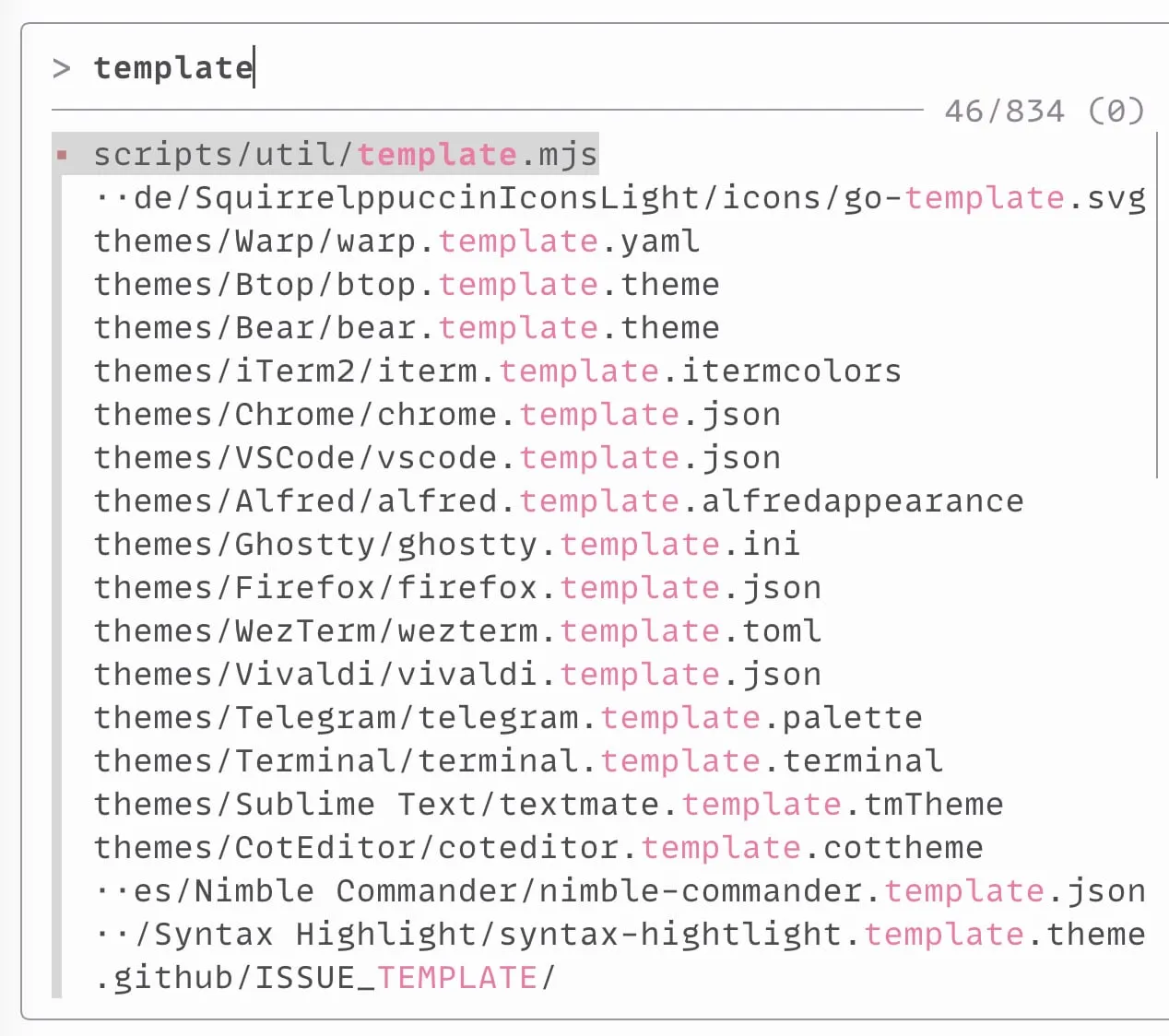
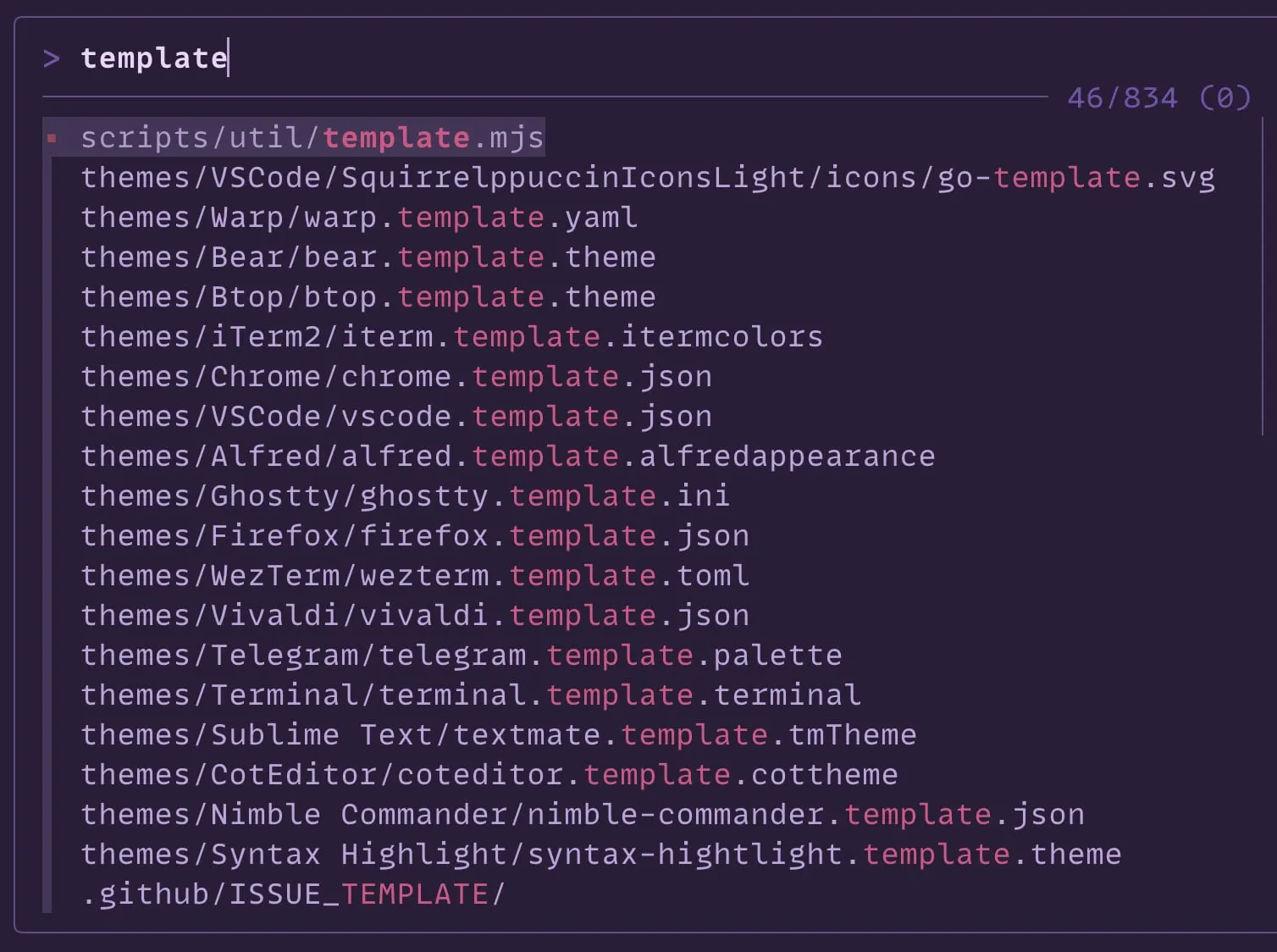
fzf
Installing from GitHub
-
Copy fzf-squirrelsong-light.sh or fzf-squirrelsong-dark.sh to your dotfiles.
-
Add the following to your
~/.bashrc,~/.zshrc, or any other file that your shell loads on startup.case $TERM_THEME in light) source fzf-squirrelsong-light.sh ;; *) source fzf-squirrelsong-dark.sh ;; esac -
Reference in your
FZF_DEFAULT_OPTSsetup:export FZF_DEFAULT_OPTS="--color '$FZF_COLORS'"
zsh-patina
ANSI theme that follows the terminal palette in light and dark Squirrelsong themes:
Installing from GitHub
- Install zsh-patina (
brew tap michel-kraemer/zsh-patina && brew install zsh-patina). - Copy the theme file to your dotfiles.
- Point zsh-patina at it in
~/.config/zsh-patina/config.toml:
[highlighting]
theme = "file:~/dotfiles/colors/patina-squirrelsong.toml"- Activate at the end of
.zshrc:
eval "$(zsh-patina activate)"